
How to Run Unlimited PTO Without Losing Track of Who's Resting
Unlimited PTO only works if you can still see who's off, who's covering, and who hasn't taken a break in months. Here's how to set it up so it stays generous and visible.
Unlimited PTO sounds like the end of leave tracking. No allowance, no balances, no carry-over arguments: just take the time you need. In practice it's the opposite. The moment you remove the number, you lose the only signal that told you someone wasn't resting.
The well-documented risk of unlimited policies is that people take less leave, not more. With no allowance to "use up", nobody feels entitled to a fortnight, and the most committed people take the least. We covered the trade-offs in unlimited PTO: pros and cons. This post is about running it well once you've decided to.
Unlimited doesn't mean untracked
The fix is simple: drop the cap, keep the record. You still want to know:
- Who's off, and when, so cover works and nobody's surprised
- Who approved it, so requests are fair across the team
- How much each person has actually taken, so you can spot the people who never stop
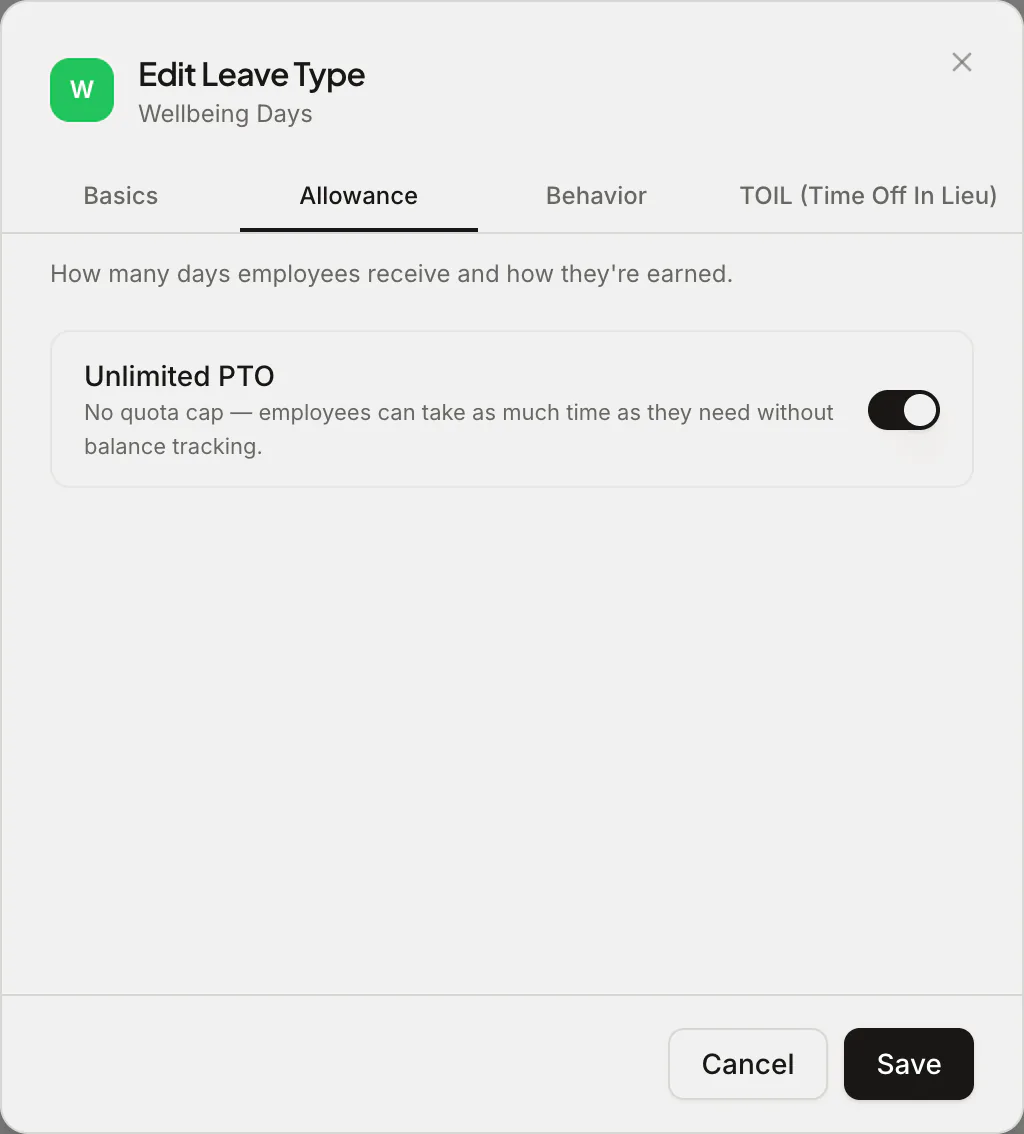
That's what an unlimited leave type in Absenca does. On Pro, each leave type has an Unlimited PTO switch in its Allowance settings.
Switch it on and that leave type has no allowance cap and no balance to run down. In the app and in Slack it shows as Unlimited instead of a number. Everything else works as before: requests, approvals, the shared calendar and wallchart, reports.
You don't have to go all-in
Unlimited doesn't have to replace your whole policy. Because it's set per leave type, many teams mix:
- Annual leave with a normal allowance (often the statutory minimum or a bit more), plus
- An unlimited "wellbeing" or "flexible" type for extra days, with no cap
That keeps a guaranteed minimum (which many countries require anyway, since statutory leave can't simply be replaced by an unlimited policy) while removing the anxiety around the odd extra day.
Other leave types that work well as unlimited: unpaid leave, sabbaticals, and parental leave where the entitlement is set by law rather than by your allowance.
Watch the people who aren't taking it
This is where most unlimited policies fail, and where tracking pays for itself.
- Look at leave taken, per person, every quarter. Reports show it even when there's no cap. Anyone far below the team average deserves a check-in.
- Use the energy score. On Pro, the team energy score flags people who've gone a long time without a break, from their leave pattern alone.
- Set a floor, not a ceiling. "Unlimited, and we expect everyone to take at least 20 days" works better than "unlimited" on its own.
- Managers go first. If the managers take visible, proper breaks, the team follows. If they don't, no policy wording will fix it.
Keep cover rules in place
Unlimited leave still has to fit around the work. Keep your guardrails:
- Maximum simultaneous absences per department, so a team can't be emptied in one week
- Blackout periods for the few weeks a year you genuinely need everyone, such as a launch or a year-end close (how blackout periods work)
- Approval by the person who plans the work, so cover is arranged before the time off is confirmed
Frequently asked questions
Which plan includes unlimited leave types? Pro ($37.50 a month for up to 50 people) and the Custom Pack.
Can one leave type be unlimited and another capped? Yes. The setting is per leave type, so annual leave can keep its allowance while a wellbeing type is unlimited.
Do unlimited days show in reports? Yes. They're tracked like any other leave; only the allowance and balance go away.
A quick legal note: in many countries employees keep a statutory minimum of paid leave regardless of policy. This is general guidance, not legal advice; check the rules where you operate.