
PTO tracking on autopilot
A PTO accrual tracker that keeps every balance right
Track paid time off, accruals and carry-over for your whole team — with real-time balances people can actually trust, not a spreadsheet that drifts.
Free for up to 10 people · 11 to 50 people: $37.50 a month on Pro
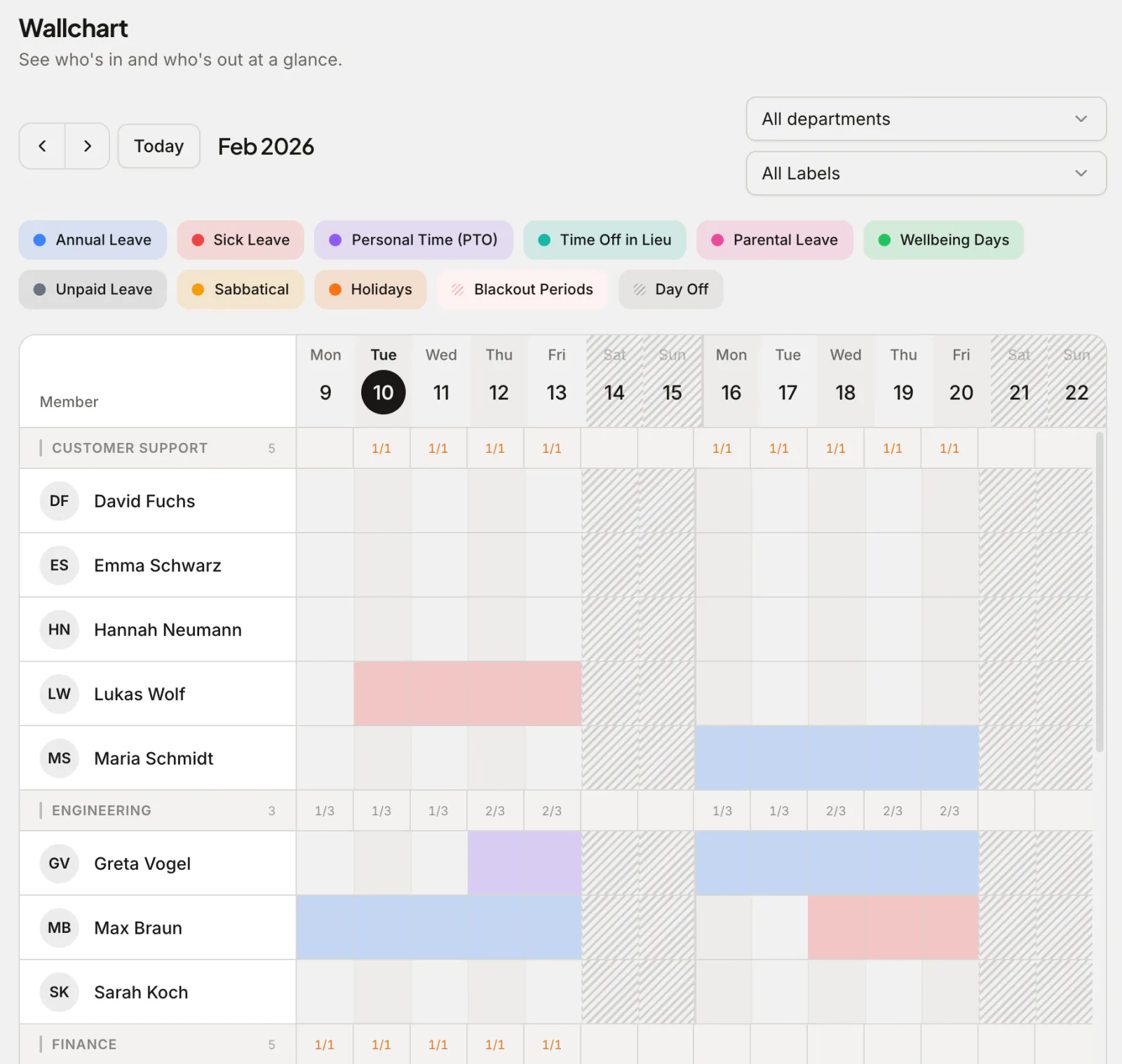
A PTO accrual tracker records every employee's paid time off — requests, approvals and balances — and applies your accrual and carry-over rules automatically, so nobody takes time they haven't earned. PTO sounds simple until you add accruals, carry-over, part-timers and mid-year joiners — then a spreadsheet quietly goes wrong. Absenca tracks paid time off with the policy rules applied automatically, so every balance is correct the moment a request is approved.
Whether you run a single pooled PTO bank or separate vacation and sick allowances, employees see exactly how much they have, and managers approve with one click.
What you get
Real-time PTO balances
Every approved request updates the balance instantly. No month-end reconciliation, no out-of-date spreadsheet.
Automatic accruals
Earn PTO bi-weekly, monthly, quarterly or semi-annually — the accrual rule runs itself, including pro-rating for mid-year joiners.
Carry-over & caps
Roll unused PTO into the next year with caps and expiry dates, or apply a use-it-or-lose-it rule — your policy, enforced automatically.
Half-day & hourly
Book a morning, an afternoon or a few hours; the balance maths handles fractional days correctly.
How PTO accrual works in Absenca
You set the yearly entitlement and how often it accrues: bi-weekly (every pay period for most US payrolls), monthly, quarterly or semi-annually. Absenca credits each period's share automatically, rounding the running total to the nearest half day, and you can cap how much an employee can hold. New hires accrue from their start date, so a mid-year joiner earns only the periods they work. The PTO accrual settings show every option.
Balances always reflect accrued-to-date plus carry-over minus what's booked, so the number an employee sees is the number they can actually take.
A year of accrual, worked through
Greta Vogel joins NovaTech on 1 March. NovaTech's leave year starts in January, and its PTO policy gives 15 days a year, accrued monthly (1.25 days a month), with at most 5 days carried into the next year. She books 2 days in June, 3 in August and 1 in December. This is what her balance shows at the start of each month:
| Date | Accrued to date | Booked to date | Available |
|---|---|---|---|
| 1 March | 0 | 0 | 0 |
| 1 April | 1.5 | 0 | 1.5 |
| 1 May | 2.5 | 0 | 2.5 |
| 1 June | 4 | 0 | 4 |
| 1 July | 5 | 2 | 3 |
| 1 August | 6.5 | 2 | 4.5 |
| 1 September | 7.5 | 5 | 2.5 |
| 1 October | 9 | 5 | 4 |
| 1 November | 10 | 5 | 5 |
| 1 December | 11.5 | 5 | 6.5 |
| End of the leave year | 12.5 | 6 | 6.5 |
| 1 January (new year) | 5 carried over | 0 | 5 plus the new year's accrual |
PTO bank or separate vacation and sick leave?
Run a single pooled PTO bank, or keep paid time off, sick leave and personal days as separate leave types with their own rules — Absenca supports both, plus custom types for things like volunteering or study leave.
Each type can require approval or not, allow negative balances or not, and count against its own allowance.
Carry-over, caps and use-it-or-lose-it
Each leave type has its own carry-over maximum, the most days that roll into the next leave year, and each office sets how many months carried days last before they expire. Set the maximum to zero for a use-it-or-lose-it policy. Some US states restrict forfeiting earned PTO, so check the rules where your people work; our guide to choosing a PTO accrual rate and cap is a good starting point, and the accrual cap glossary entry explains the terms. This is general guidance, not legal advice.
Why teams choose Absenca
- Real-time PTO balances that never drift
- Automatic accruals: bi-weekly, monthly, quarterly or semi-annually
- Carry-over, caps and use-it-or-lose-it rules
- Half-day and hourly time off
- Free for up to 10 people; Pro is $37.50 a month for up to 50 people
Frequently asked questions
- What is a PTO tracker?
- A PTO tracker is software that records employees' paid time off — requests, approvals and balances — and applies accrual and carry-over rules automatically so the numbers stay accurate. Learn more in our PTO glossary entry.
- Does Absenca handle PTO accruals?
- Yes. PTO can accrue bi-weekly, monthly, quarterly or semi-annually, with mid-year joiners accruing from their start date, plus accrual caps, carry-over limits and expiry.
- Can PTO accrue per pay period?
- Yes, if you're paid bi-weekly: choose bi-weekly accrual and each of the 26 periods credits its share of the yearly entitlement. Absenca doesn't accrue PTO per hour worked.
- Can employees see their PTO balance?
- Yes — each employee sees their real-time balance, accrued-to-date, carry-over and what they've booked, so there's no guessing before requesting time off.
- Is there a free PTO tracker?
- Yes. Absenca is free for up to 10 people, with PTO accruals, carry-over and real-time balances included. Pro is $37.50 a month for up to 50 people.